Workspaces & members
Personal and team workspaces, what members, admins and owners can do, email invites valid seven days, the last-owner rule, and what archiving shuts down.
Everything in MadMax (workflows, connections, data, billing) lives inside a workspace. A workflow can only see the connections, stores, memories and knowledge bases of its own workspace, and a run is billed to the workspace it ran in.
Personal and team
You start with a personal workspace, minted at signup. It's yours alone: it can't be deleted and can't take invites. A team workspace adds members and seats. It comes with Pro; upgrading converts your personal workspace to a team workspace in place, keeping every workflow and connection where it is. Plain "create another workspace" is not a self-serve action today: the launch model is one workspace per user.
Switch workspaces from the account chip in the top-right. Each workspace has its own name, icon (upload and crop it in Settings → workspaces), and default timezone, used for the timestamps in the emails MadMax sends you (run alerts, approval requests, token notices). Schedule triggers carry their own timezone field on the step.
Roles
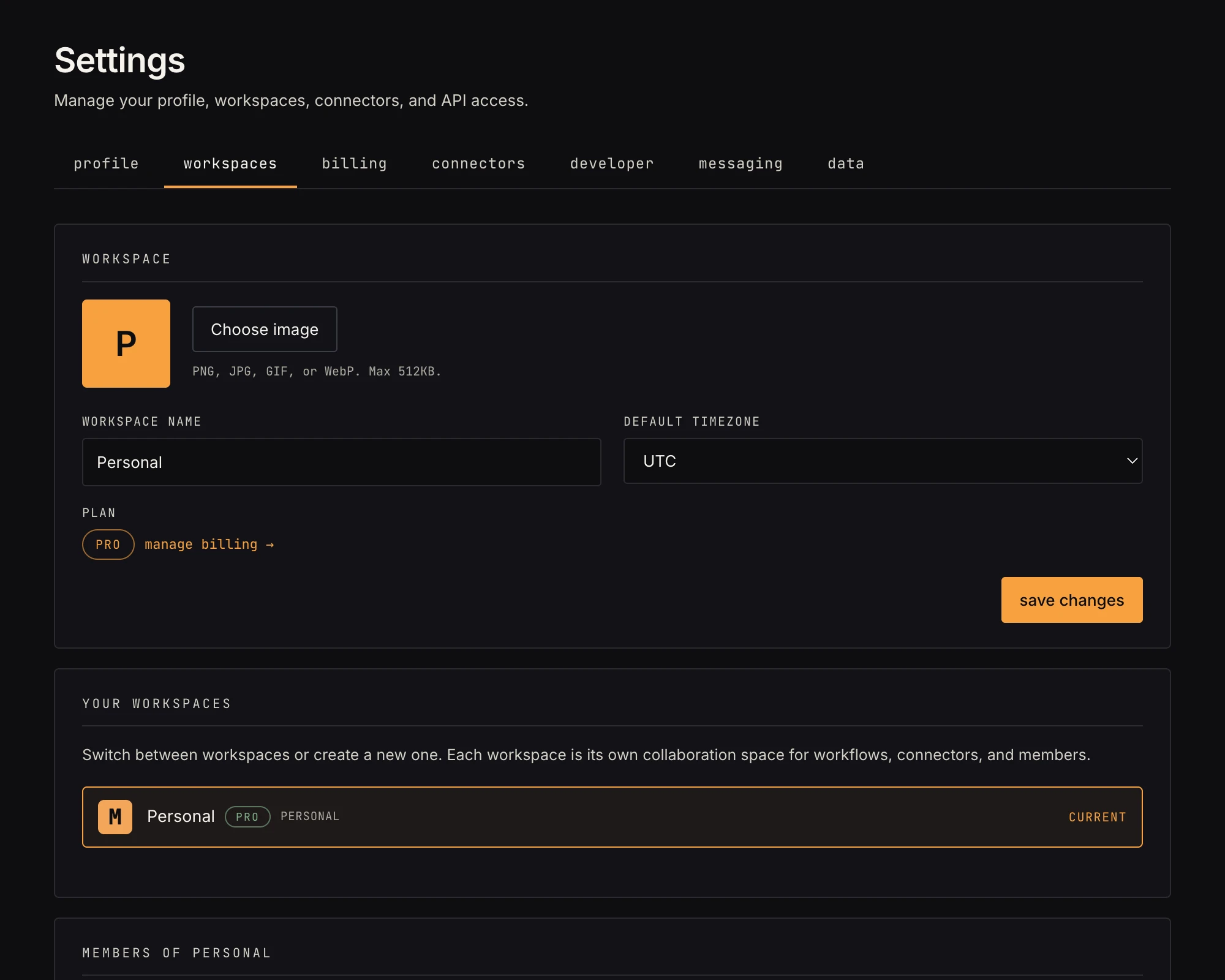 Members with roles, and pending invites with expiry.
| member | admin | owner | |
|---|---|---|---|
| build & run workflows, use shared connections | ✓ | ✓ | ✓ |
| workspace settings (name, timezone, icon) | ✓ | ✓ | |
| invite and remove members | ✓ | ✓ | |
| billing (upgrade, top-ups, portal) | ✓ | ||
| delete (archive) the workspace | ✓ |
A role is chosen when the invite is sent (admin or member); Settings has no control for changing it afterwards. Members and admins can leave from their own row. An owner's row reads "you (owner)" instead of a leave button, and the data layer refuses any change that would leave a workspace with no owner: promote someone else first, then step down.
Billing is owner-only by design: admins run the workspace, owners pay for it. The upgrade and portal controls only render for the owner, and anyone else who reaches those links directly is told "only the workspace owner can manage billing".
Invites
Admins invite by email with a role (admin or member). The invite is a signed link, valid 7 days, single-use. Recipients without an account get one on accept and land signed-in. Pending invites are listed with a cancel button, and count toward the workspace's seat limit (five seats on Pro, counting pending invites; free workspaces can't invite at all). Inviting rides a feature flag that isn't enabled today; the mechanics above are what turns on with it.
Archiving
Owners can archive a team workspace from the Danger zone at the bottom of Settings → workspaces: type the name to confirm. Its workflows are archived with it, so triggers tear down and live runs stop being scheduled, and any subscription is cancelled immediately. Content is preserved on disk but inaccessible, and the workspace disappears from every member's picker. This is the "shut it down" action, not a cleanup tool; contact support if you change your mind.
Related
- Settings tour: every tab
- Connections: shared by the workspace
- Snapshots and data retention
- Security