Manual
The zero-config manual trigger: start a run from the run button or POST to the REST API, passing inputs as the trigger payload. Live canvas or snapshot.
The simplest trigger: the workflow runs when someone says run.
When it runs
- The Run button in the editor topbar. With a manual trigger on the canvas, Run executes the workflow immediately (a workflow with no trigger at all is refused: add one first).
POST /api/v1/workflows/:id/runwith an API token, so "manual" also means "triggered by your own scripts". The REST API page has the curl.
Nothing listens between runs. There is no URL, no schedule, and no
binding to arm, which is why the verify kind is instant: a manual
trigger has nothing to prove.
Config
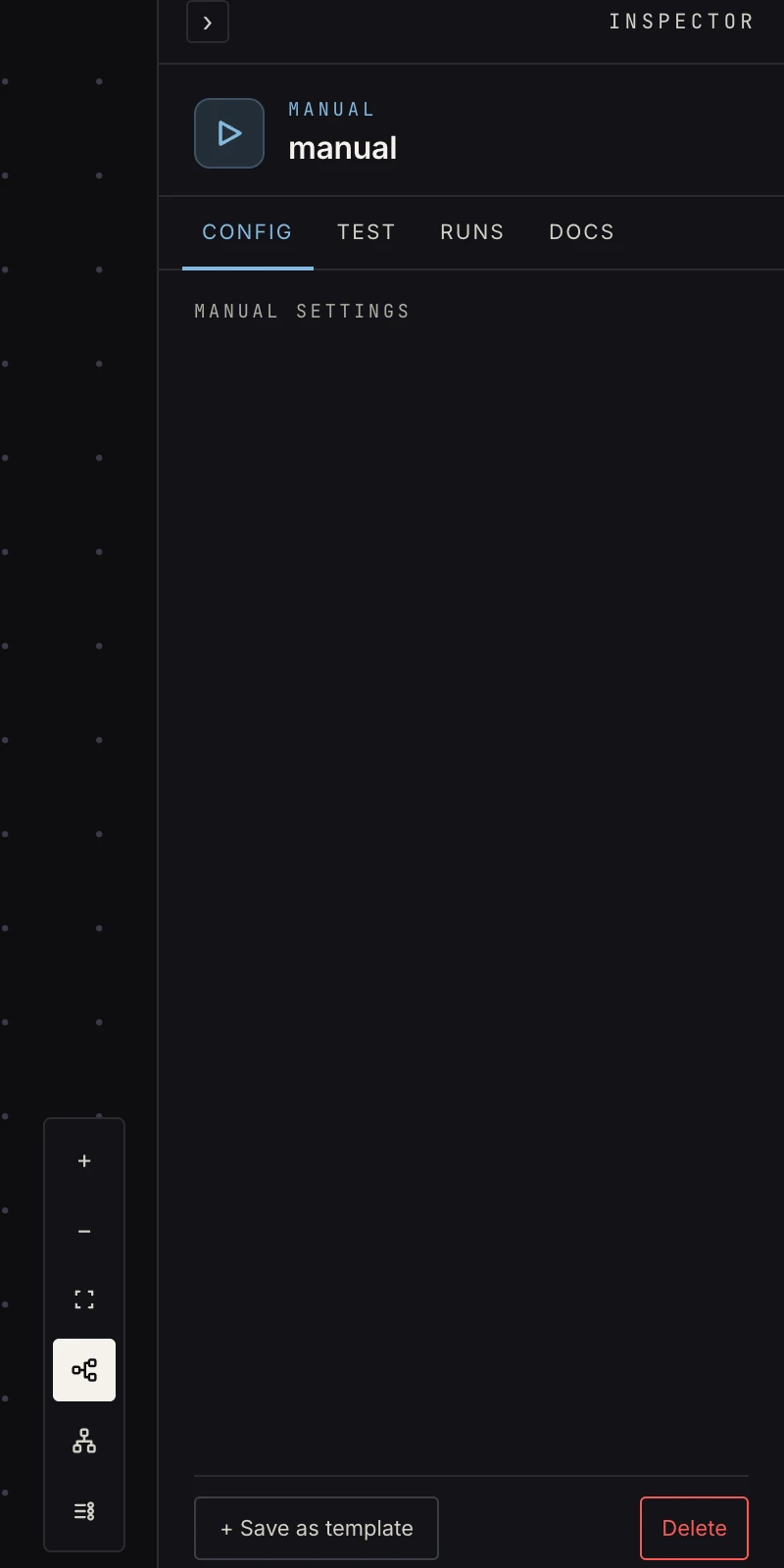 Nothing to configure. Manual is the zero-config trigger.
Output
An empty object {}. A manual run starts with no input data unless
the API caller passed one. Downstream steps that need data should
fetch it (web request,
store get) or carry constants
(set fields).
To hand data in programmatically, pass inputs (a JSON object) to
the API run endpoint: it becomes the trigger payload the first step
sees, verbatim:
{ "data": { "inputs": { "order_id": "ord_123", "amount": 42 } } }
The first step then reads {{ payload.order_id }} and
{{ payload.amount }}. For data pushed by someone else's system,
use a webhook instead: it authenticates the
caller and wraps the body in the envelope.
Which graph runs
A run executes one of two graphs. An inactive workflow always runs
the live canvas, whether from the Run button or the API.
Activating pins a snapshot, and from then on a run executes that
frozen snapshot, so what you tested is what fires. The API's
draft: true argument is the escape hatch: it runs the live canvas
even on an active workflow, which is how you try an edit without
deactivating. The activation page covers the
model.
Patterns
- Utility jobs: "resync the cache", "rebuild the digest now". A manual trigger plus a call workflow into the real pipeline gives you a button for any sub-workflow.
- Research runs: fetch a list of pages, process, report.
- The dev loop: build with a manual trigger, prove the chain, then swap the trigger for the real one. Every other trigger passes its inputs through the same way, so the steps after it don't change.
- Scripted batches: a script loops over records and POSTs each
as
inputs; every call is its own run on the runs page, with its own step history.
Gotchas
- An inactive workflow always runs the live canvas, whether from the
editor's run button or from the API. Activating pins a snapshot,
and from then on a run executes that snapshot unless you pass
draft: true. inputsis the payload exactly as sent. There is nobodywrapper the way a webhook has, so{{ payload.order_id }}, not{{ payload.body.order_id }}.- An administrator can pause runs for a workspace. While that is on, the canvas stays editable but every run, manual included, is refused until it's lifted.
Related
- REST API for the run endpoint and tokens.
- Activation for snapshot versus live canvas.
- Schedule when "someone says run" should be the clock.