Import & export
Export downloads the graph as a madmax/v1 document with secrets stripped. Import takes a template, a zip folder export, or an n8n export with placeholders.
Workflows are portable JSON documents.
Export
Canvas menu (⋮) → Export downloads
<workflow-name>.madmax.json, the graph in the madmax/v1
template format. Connection bindings, webhook ids, and anything
workspace-local are stripped: secrets never travel in an
export, so the file is safe to commit, share, or attach to a
ticket. The same document comes from
GET /api/v1/workflows/:id/export.
Import
On the workflows index, the New workflow modal takes a file (or
pasted JSON): a MadMax template, a .zip folder export, or an n8n
workflow export, up to 20 MB.
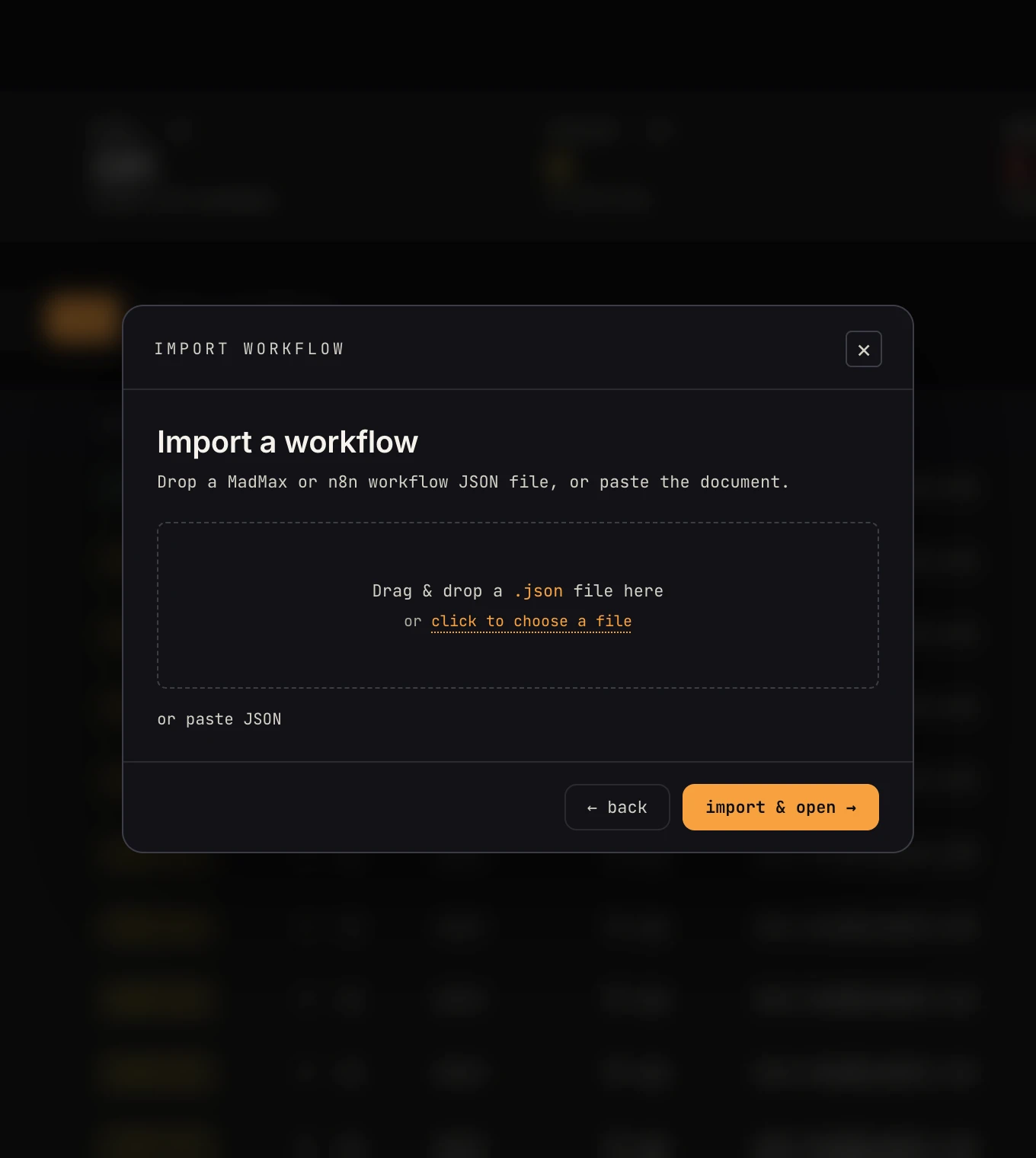 Drop a .madmax.json or an n8n export; the importer figures out which.
Importing a MadMax template recreates the graph; you re-bind connections (the AI's auto-wire rules apply) and re-verify.
What travels with a workflow
Secrets and connections never do. The data a workflow is attached to does:
- Data stores a
store_get/store_upsertstep uses are referenced by slug, and the export carries each store's definition (name, schema, row cap), never its rows. Rows are your data; like secrets, they stay in the workspace. - Memories an agent step binds travel by name with their settings (window, compaction, recall).
- Knowledge bases travel by name and are created empty; re-upload or re-index the content.
On import, anything missing is created in the target workspace before the graph lands; an existing store with the same slug keeps its schema.
n8n imports
An n8n export is translated, and the translation never fails:
- Nodes with a MadMax equivalent map directly: HTTP request, if/switch (cases become ports), loops (batches become iterate/done), set, code, and the trigger types.
- Nodes without an equivalent arrive as clearly-annotated placeholder steps that pass data through unchanged, so the shape of your workflow survives even where the pieces don't.
- The import report lists everything that needs attention, and the placeholders seed a ready-made prompt: ask Max to finish the build, and it replaces placeholders with real MadMax steps.
Sticky notes and n8n-specific AI sub-nodes are dropped (noted in the report).