Call workflow
Run another workflow synchronously as a function call: the upstream payload is its input, its final output is this step's output. Failures and call depth.
Run another workflow as a function call: the upstream payload becomes the target's input, the run waits, and the target's final output becomes this step's output. The other half of the sub-workflow trigger.
What it does
The step creates a child run of the target against the target's active snapshot, with this step's input payload as the child's inputs, and then either waits for it or lets it go, depending on Mode. The child is a full run of its own: its own entry on the runs page, its own step history, its own approvals. It records which run called it and how deep in the chain it sits.
In wait mode the parent halts at this step and shows as
waiting; its worker exits, and when the child reaches a terminal
state the parent resumes with the child's output. Inside a
loop body the child instead runs to completion
within the iteration, because a loop can't pause mid-iteration; the
result is the same from the body's point of view.
Config
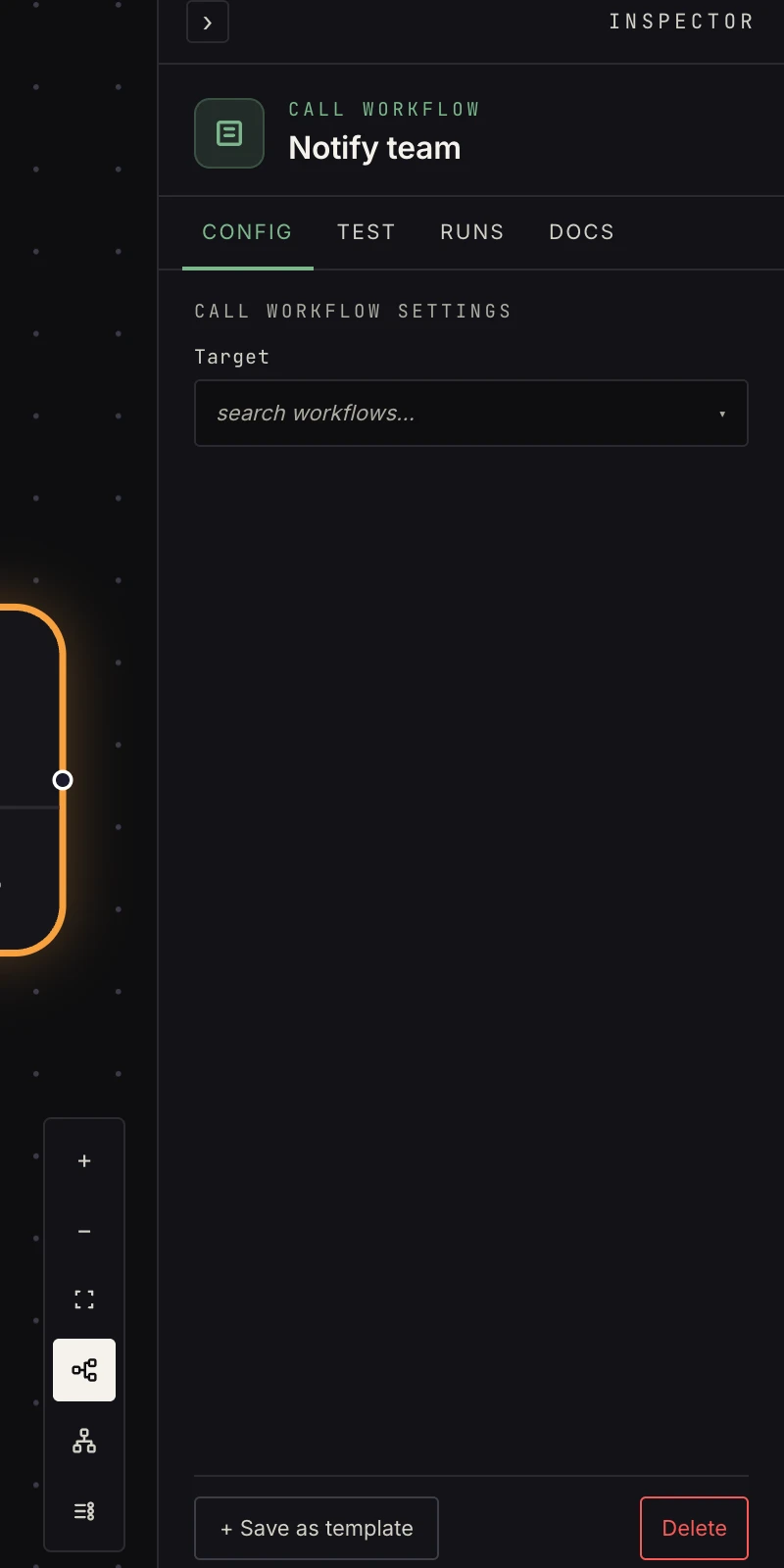 One picker: the target workflow.
- Target: the workflow to call. It must have a sub-workflow trigger and be active; the picker steers you toward workflows that qualify. The target is looked up through the run's workspace, so a workflow in another workspace doesn't resolve.
- Mode:
wait(the default) pauses here until the child finishes and uses its output; a failed child fails this step.detachstarts the child and moves on at once; this step outputs the child's ids, and the child's failure does not cascade.
Output
In wait mode, whatever the called workflow's terminal step
emitted. Document your sub-workflows' output contracts, because the
caller is coupled to them. A "notify team" sub-workflow ending in a
send-email step, for instance, returns that step's output:
{ "ok": true, "id": "<message id>", "to": ["ops@example.com"], "subject": "…" }
In detach mode the output is the handle to the child run:
{
  "detached": true,
  "execution_id": "…",
  "workflow_id": "…",
  "workflow_name": "Notify team"
}
{{ payload.execution_id }} can be stored or logged, but the
parent never hears the child's result.
Verification
The verify kind is write_preview: invoking another workflow is a
side effect, so the verification run never starts the child. It
previews the call and gives downstream steps a simulated envelope
(ok, result, and a test_note saying so). Run the parent for
real to see the child's true output flow through.
Patterns
- Shared tail: one "notify the team" workflow every other workflow calls; changing the channel is one edit.
- Decomposition: a monster pipeline split into testable, reusable parts.
- Fan-out router: a listener workflow receives every event and detaches one sub-workflow per event type. Each child has its own approvals and none blocks the others.
- Agents can do this too: an AI step with a workflow tool decides when to call, under the same depth rule.
Gotchas
- Failure cascades in
waitmode: if the called workflow fails, this step fails. Set this step's on-error tocontinueand wire the error port (see error handling), or usedetach, when the parent should survive. - The parent waits synchronously, so a slow sub-workflow is a slow parent. Call depth is bounded, so cycles stop at the limit rather than recursing forever: a top-level run is depth 0, and a run at depth 3 refuses to start another call.
- A step that targets the workflow it lives in is refused, both by the canvas lint and at run time: the run would wait on itself forever.
- The child's first step sees the payload only if the target's
sub-workflow trigger has Pass payload through on. With it
off, the child starts from
{}. - An inactive target is a step error, not a silent skip. Activate the callee first.
Related
- Sub-workflow, the trigger on the callee side.
- Waits, approvals and resumes for the waiting parent.
- Agent orchestration for sub-workflows as agent tools.