Saved steps
Save a configured step from the Inspector, personal or shared with the workspace, and drag it from the Saved tab fully configured. Copies are independent.
A saved step is a step with its configuration (your Slack message to the right channel, your standard extraction schema, your error-handling defaults), reusable from the palette like any block. The pain point was never the primitives, it was the config: the same Slack post across twelve workflows used to mean twelve hand-filled copies.
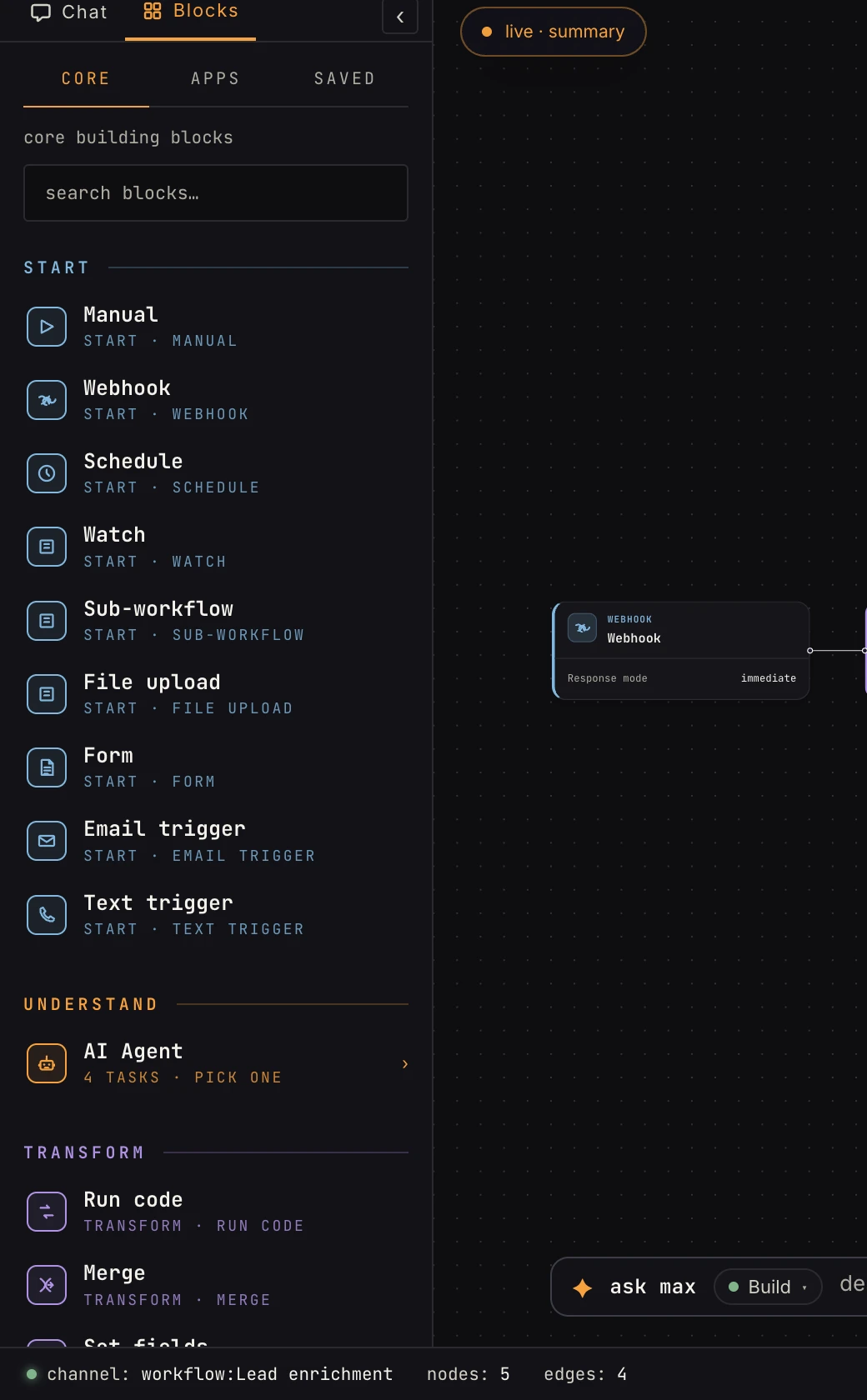 Save from a configured node; name it for what it does, not what it is.
Saving
Configure a step until it's right, then save it from the Inspector: + Save as template sits in the sticky footer under the Config tab, next to Delete (both hide while the canvas is locked). The modal asks for:
- Name and description: "Post to #ops with @here" beats "Slack message". The name is required; the description shows on the palette tile's hover.
- Icon, color and kind label: optional overrides so the tile reads at a glance. Leave them alone and the tile inherits the primitive's own look. Integration steps that carry a brand logo skip the icon picker; the logo is the icon.
- Visibility: Mine (only you can see and drop it) or Team (everyone in your organization can use it). The choice only appears when you belong to an organization; solo workspaces save personal steps.
What gets saved is the node's current data as the canvas has it, including a bound connection, pinned to the step's primitive. The step's category and kind are not overridable: a saved Slack post stays an action, never a trigger.
Reusing
The palette's Saved tab ("your reusable steps") lists them, grouped the same way as core blocks and searchable with "search templates…". Click a tile to add it to the canvas, or drag it where you want it. The dropped node starts from the primitive's defaults, layered with the saved config, then the saved name, icon and label, so it lands fully configured. A connection binding rides along; if that connection isn't visible to you, re-pick one in the Inspector. Edits to the dropped copy don't touch the saved original.
Editing and removing
Hover a tile in the Saved tab for two buttons:
- Edit (the pencil) reopens the modal pre-filled, for the name, description and appearance only. The saved configuration is never changed by this path. To update what a saved step does, configure a fresh step and save it again, over the same name or under a new one to keep both versions.
- Delete (the ×) asks for confirmation ("This can't be undone") and removes it from the palette. Deleting a saved step never affects the copies already on canvases.
Team steps belong to the workspace: the owner or any workspace member can edit or delete them. Personal steps are yours alone.
FAQ
Do saved steps update everywhere when I change them? No. They're templates, not references. Copies are independent once dropped.
Can I share one connection-bound step with the team? Yes. The binding is saved with the step. A teammate who can't use that connection picks their own in the Inspector after dropping it.
Where do saved steps live when the chat is docked? In the dock footer's launcher toolbar, under the Saved glyph, with the same click-to-add and drag behaviour.
Can the AI use them? Not by name: the AI builds from the primitive catalog, so drop a saved step by hand when you want its exact config. The AI does consult them for connections, though. When it adds a step and leaves its connection picker blank, the server looks at your saved steps of that primitive and stamps the connection from the only one that has it, or from the one whose config best agrees with the prompt, and says so in its reply.