Build by hand
Make a first workflow without the AI: drag a webhook, connect an If and a Slack step, configure them in the Inspector, test on real data, then activate.
The AI can build whole workflows from a sentence, but everything it does is ordinary canvas work you can do yourself. Building one small workflow by hand teaches you the grammar. We'll make: a webhook that receives an order and posts big ones to Slack.
1. Drag a trigger
Open Blocks in the left panel and drag Webhook (under START) onto the canvas. Every workflow begins with exactly one trigger-ish entry, from the palette's START group.
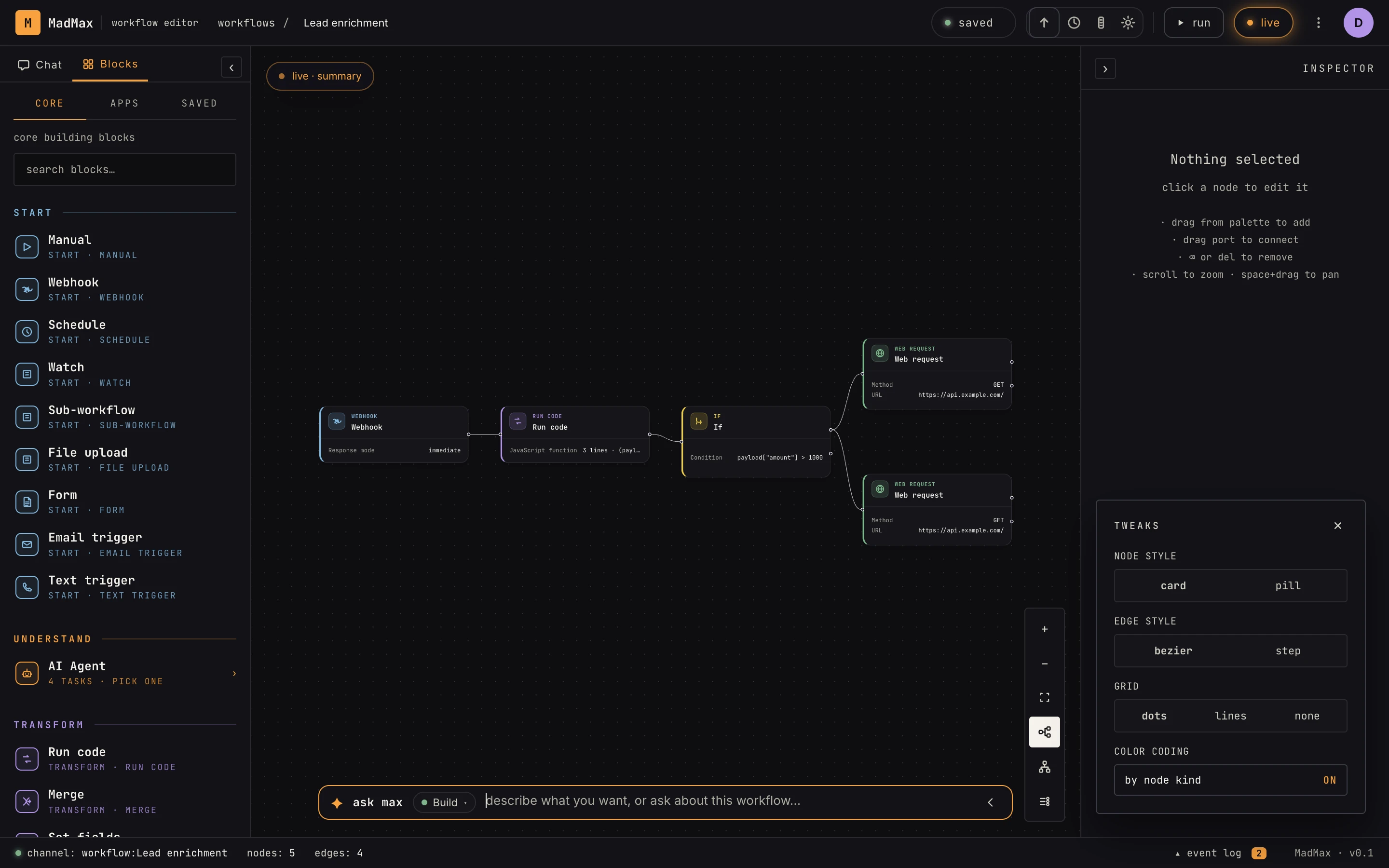 Blocks drag straight from the palette. The card shows the step's key config at a glance.
2. Add and connect steps
Drag an If (DECIDE) and a Slack app step (or Send email if you haven't connected Slack) to the right of it. Connect them: click-drag from the small circle on a node's output edge to the next node's input. If has two outputs, true and false. Wire both; an unwired branch silently drops whatever flows into it.
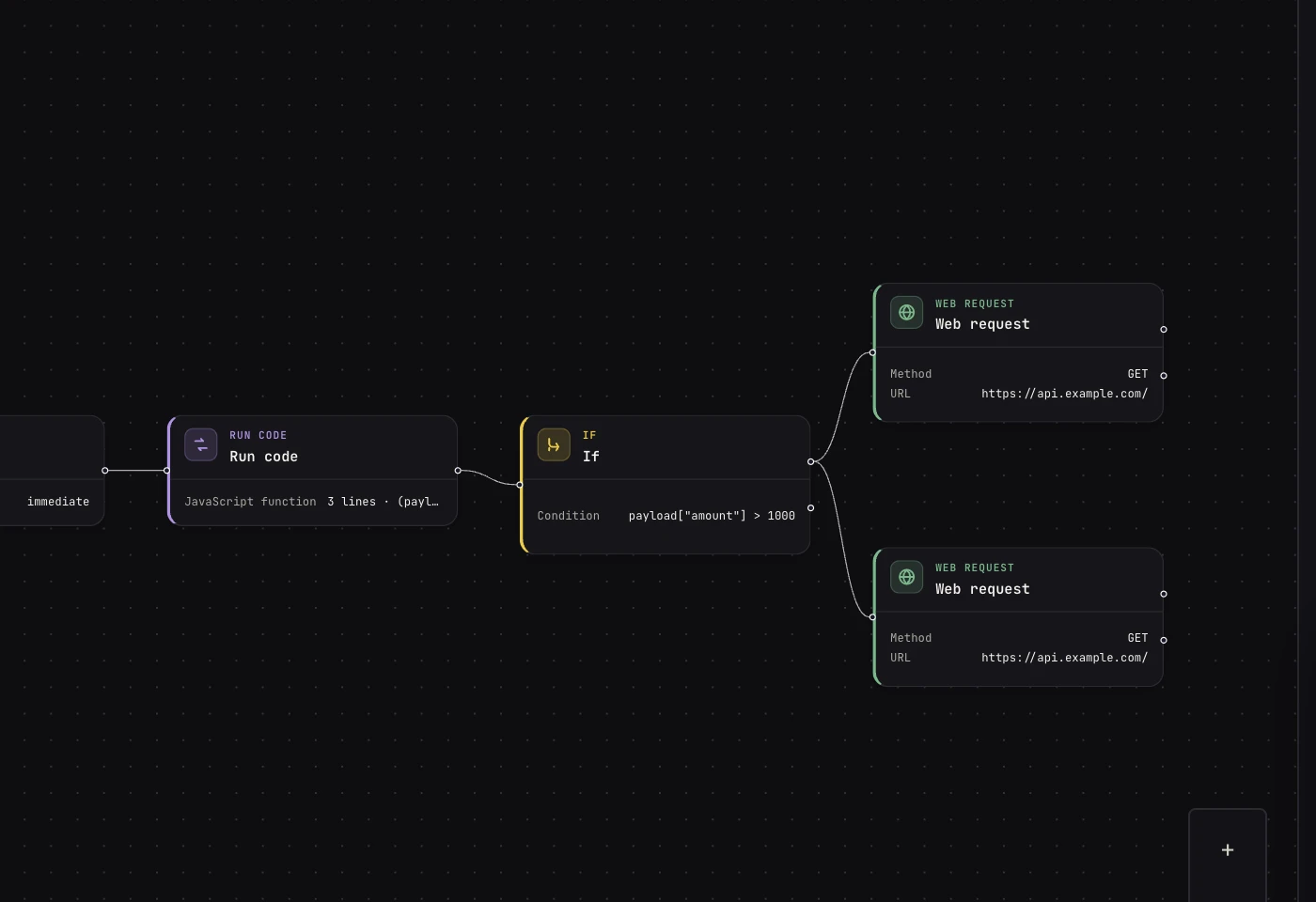 Ports are the small circles. Multi-output steps (if, switch, loop) label each port.
3. Configure in the Inspector
Click the If node. The Inspector opens on the right with the step's fields. For If, that's a single expression:
payload["body"]["amount"] > 1000
Two things to notice: the webhook's output nests the caller's JSON
under body (see core concepts), and logic
expressions use bracket syntax, not {{ }} templates.
4. Test before you trust
Open the Inspector's Test tab and hit Run step on the webhook. MadMax gives you the trigger URL and holds a sample window so you can send a real request (curl works fine). Each step you test pins its latest output, and downstream steps test against those pinned outputs, so you can prove the chain step by step with real data before anything goes live.
5. Activate
Flip the topbar toggle from off to live. The canvas freezes into a snapshot, the webhook URL goes live, and the run appears in run history every time it fires. Keep editing freely; the live snapshot doesn't change until you hit Publish edits.
Where to go next
- The canvas tour: every panel, button, and shortcut.
- AI workflow automation: the same build, from one sentence.