Testing before activation
The Inspector's Test tab runs a step against the upstream pin and pins its result. Capture real webhook, email and text samples, and preview sends unsent.
Everything can be tested before a workflow is live. That's what the Inspector's Test tab and the step pins are for.
Pins: each step's sample data
Every step has a pinned output: a sample of what it produces, used as the next step's test input. Pins are what make the chain testable: step 3 runs against step 2's pin, not against production.
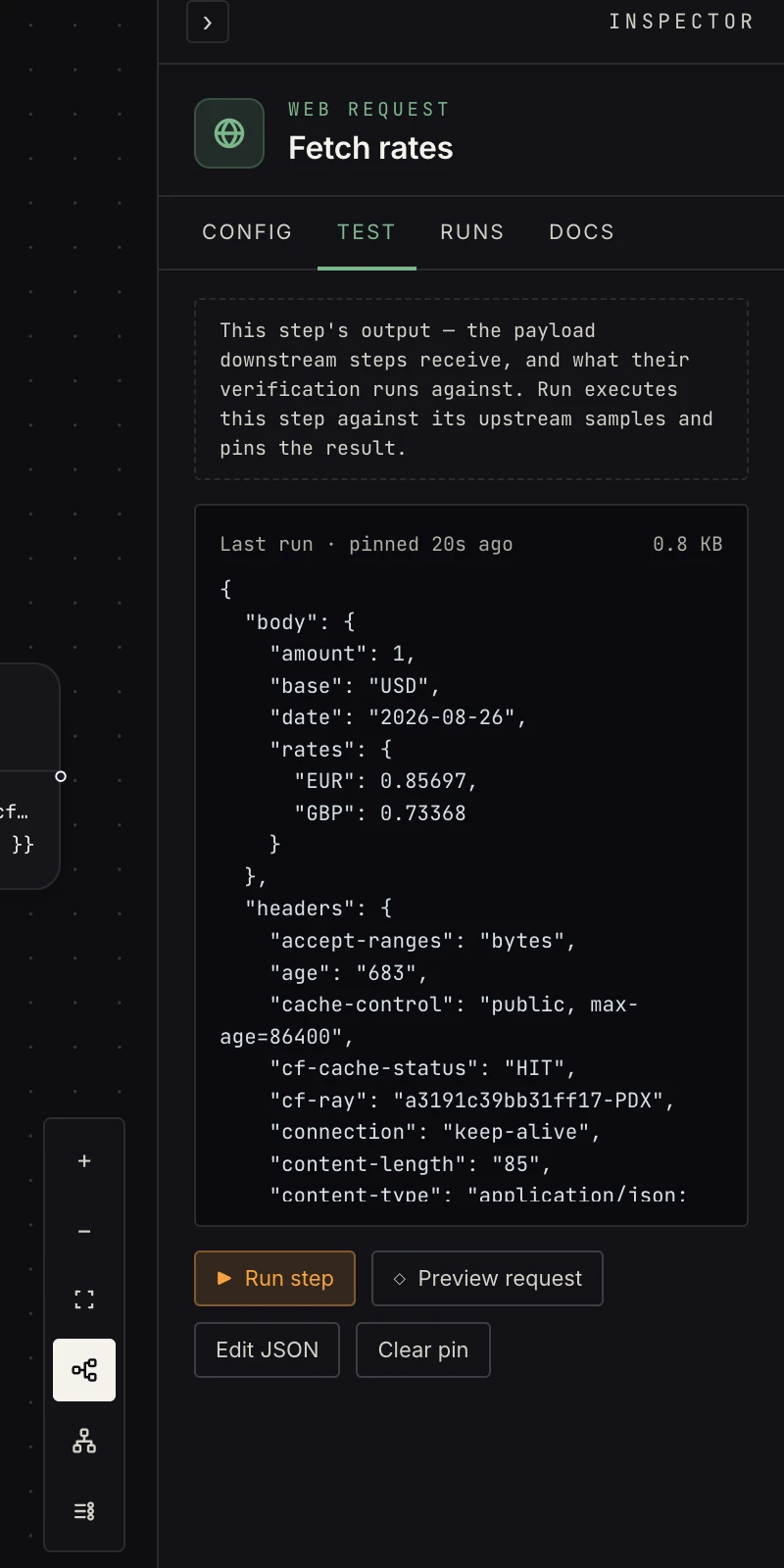 Run step executes for real against the upstream pin; the result becomes this step's pin.
- Run step executes the step for real (a web request actually fetches) against the upstream pin, and pins the result.
- Paste fixture / Edit JSON: pin data by hand when you'd rather not run anything.
- If you change a step's config after pinning, the pin is flagged stale. Run again to refresh.
Capturing real trigger samples
Trigger pins are captured on the Config tab, from the real source, because guessing a webhook's payload shape is how workflows break on day one:
- Webhook: capture sample arms a listener; send a test event from the sender and its payload becomes the sample. Nothing runs; capture only records the shape.
- Email / text triggers: test with a real email / text. send one, the sample is captured.
- File upload and form triggers capture from a real upload/submission the same way.
Sends preview, they don't send
Side-effect steps (send email, send text, connected-app writes, non-GET web requests) never fire in test mode. Instead, Preview request renders the exact outbound payload, against real upstream data, with the note "nothing was sent." What you see is byte-for-byte what a live run would send.
One more safety rail: testing a loop runs the body once with a sample item.
And one exception worth knowing: call workflow has no preview. Run step really invokes the target workflow, so test it against a target you're happy to fire.
The verification run
When you build with AI, all of this is driven for you: the verification run executes each step, pins real outputs, previews sends, and marks plan rows verified, stopping only for things only you can provide (a connection, a real sample, a real missing thing). Details in how verification works.
When every row is verified, the topbar live switch is yours to flip. Or tell Max to turn it on.