Wait
Pause the run for a fixed duration and continue with the payload untouched. The wait is a durable scheduled job that survives deploys; polling patterns.
Pause the run for a fixed duration, then continue with the payload untouched. Nothing is transformed and nothing is fetched: the step exists to put time between two other steps.
What it does
The handler turns the amount and unit into seconds, then takes one of two paths depending on how long the pause is:
- Up to 5 minutes (300 seconds): the step sleeps inside the
running job and returns. The run stays
runningon the runs page for the duration. - Longer than 5 minutes: the step schedules a wake-up job for
the exact resume time and halts the run. The step row flips to
waitingwith its resume time, the run shows as waiting, and the worker exits so nothing sits in memory. When the scheduled job fires, the step completes with the saved payload and a fresh job picks the run up from that point.
The long path is what makes hours-long or days-long waits free: the pause is a database row plus a scheduled job, so it survives deploys and restarts and resumes on time. Waits and resumes covers the semantics it shares with approval and call workflow.
A test run from the Inspector never waits. Pressing Run step on a
wait proves the passthrough instantly, because the real delay only
matters in a live execution. Its verify kind is instant: there is
nothing to prove.
Config
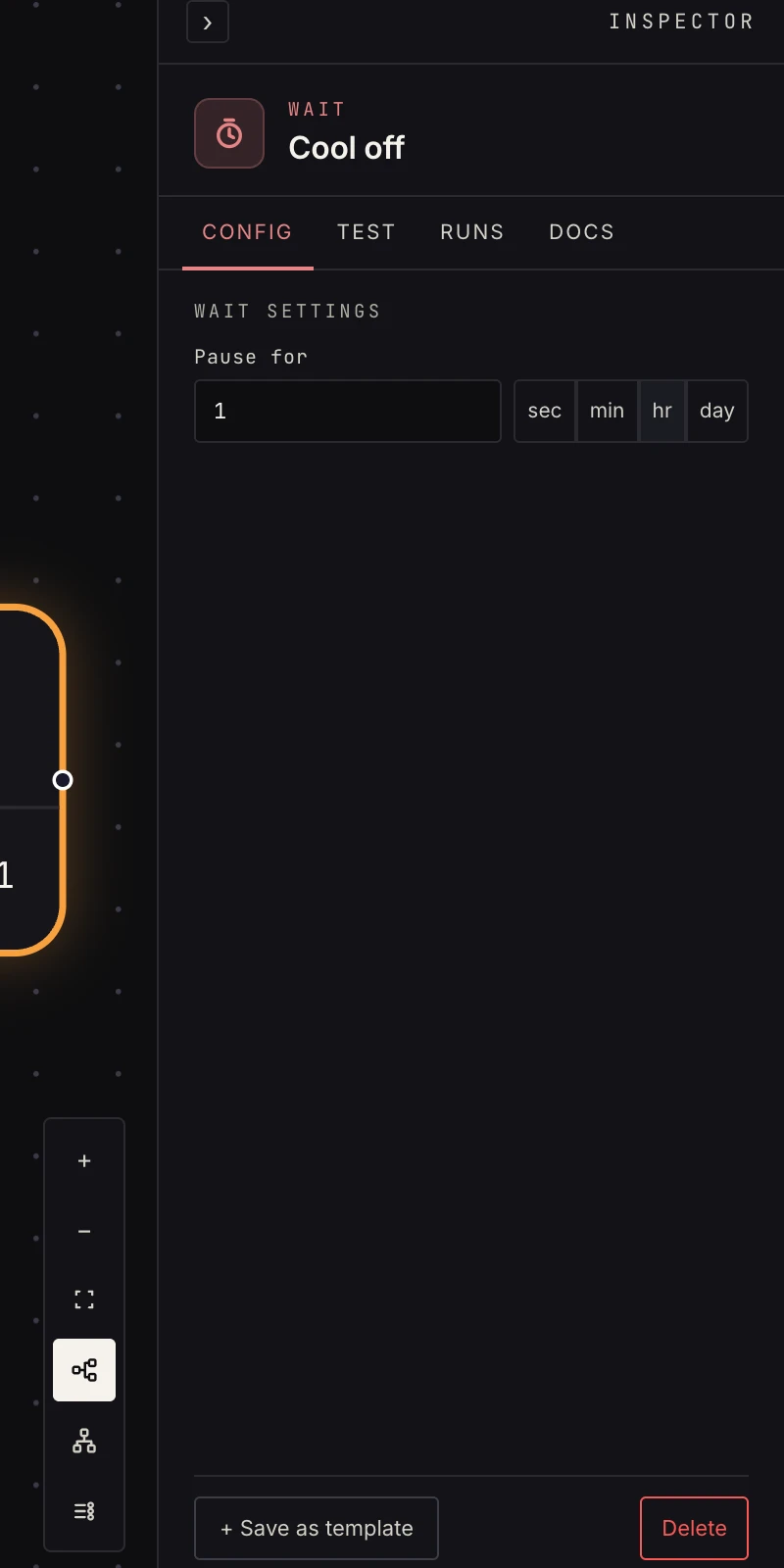 An amount and a unit: seconds, minutes, hours, or days.
- Pause for: the amount, a whole number. A decimal keeps its
leading integer (
5.5waits 5), and a blank or unparseable value waits zero seconds, which is a plain passthrough. - Unit:
sec,min,hr, orday. The default is 5 minutes.
Output
Exactly the input. If the previous step emitted
{ "order_id": "ord_123", "status": "pending" }
the step after the wait sees the same {{ payload.order_id }} and
{{ payload.status }}. For a long wait the output is the input as
it was when the pause began; it is stored with the wake-up job, so
nothing that happens during the pause changes it.
Patterns
- Polite polling: inside a loop until body, space out status checks: fetch, check, wait 30 seconds, repeat until the condition holds.
- Cool-down: send a reminder email, wait a day, read the store, escalate if still unresolved.
- Rate spacing: a short wait inside a loop body slows a chain that would otherwise hammer an API.
- Delayed follow-up: a form submission starts the run, a two-day wait, then a check-in text or email. Every submission gets its own waiting run, and that is fine: they are rows and scheduled jobs, not processes.
Gotchas
- Wait is a fixed timer. To pause for a decision, use approval; to pause for an event, restructure so a webhook or watch starts the follow-on work instead.
- Short waits hold the job open. Exactly 300 seconds sleeps; 301 seconds schedules. If you want the run to show as waiting, go past five minutes.
- A waiting run can be cancelled from its run page. The scheduled wake-up then finds nothing to resume and is discarded.
- If the wake-up job can't be scheduled, the step fails instead of halting with no wake-up registered, so a failed wait is a real error worth reading.
Related
- Waits, approvals and resumes for what a paused run looks like.
- Approval when the pause should end on a decision.
- Loop until for the polling shape.
- Runs for the waiting filter and cancel.